Transcription accuracy depends heavily on the recording. A clear voice, little noise and one speaker at a time produce a transcript you barely need to edit. A noisy room with overlapping voices produces one you rewrite.
If you make the audio yourself, a few fixes before transcribing pay off. Searches for tools like Adobe Podcast Enhance have risen this year, which suggests many creators now run speech through an enhancer first.
What hurts accuracy most
Background noise is the biggest factor, from traffic and fans to room echo. Distance from the microphone comes next, because a quiet voice sits close to the noise floor. Clipping, which happens when the recording was too loud, distorts words in a way software cannot always repair. Crosstalk, where two people speak at once, confuses any system, human or AI.
Fixes that help
Record in a quiet, soft room, since curtains and carpet cut echo. Keep the microphone a hand’s width from the speaker’s mouth. Set levels so peaks stay well below the maximum. Ask guests to wear headphones, which stops their speakers from leaking into the recording. Use separate tracks for each person when you can.
Using a speech enhancer
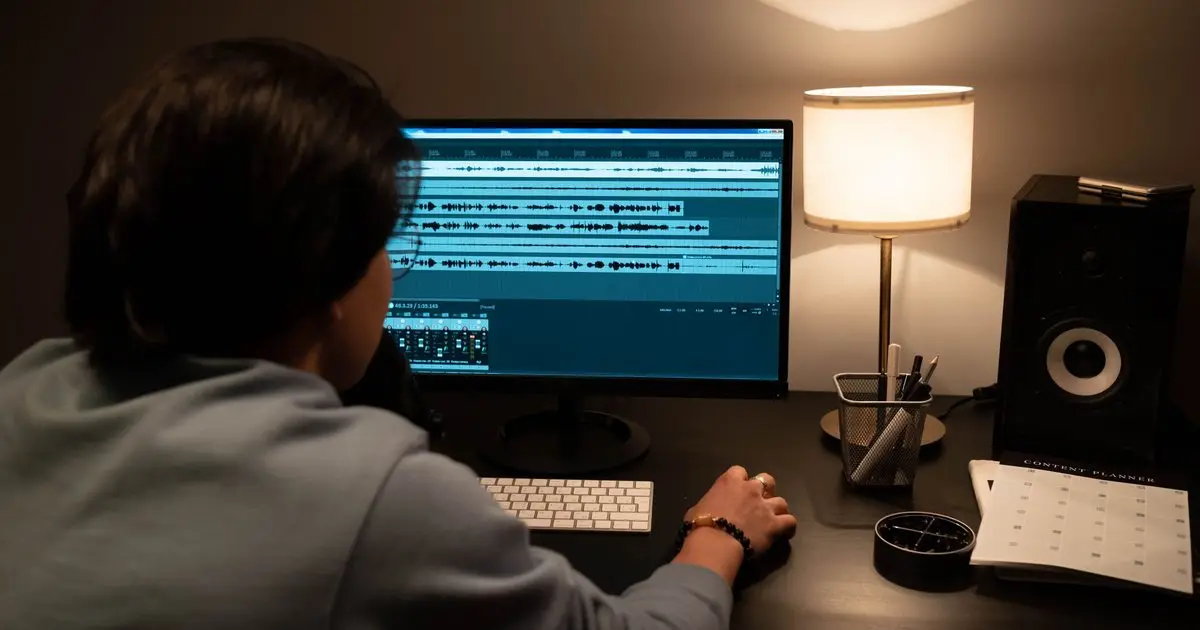
A speech enhancer reduces noise and echo, and it can make a rough recording sound closer to a studio one. Adobe’s Enhance Speech tool in Adobe Podcast is one example, and others work the same way. Upload the file, download the cleaned version and transcribe that.
Enhancers can also introduce artifacts. Over-processed speech sometimes sounds thin or swaps a quiet syllable. Test on a short clip, compare the transcripts of the original and the enhanced file, and keep whichever reads better. Always keep the original recording.
What to leave alone
Skip heavy compression and loud music beds in the file you transcribe. Do not speed the audio up. Do not trim silence in a way that cuts the end of words. If a master file exists with music added, transcribe the speech track before mixing.
Then transcribe
Podcast To Transcript reads an episode from Apple Podcasts, Spotify, YouTube with captions or any page with audio, and returns a speaker-labelled, timestamped transcript. It streams audio from the original feed address, so the clean version has to be what your feed serves. See our article on how accurate AI podcast transcripts are for a way to measure the result.
Check the result
Sample the beginning, middle and end of the transcript against the audio, and focus on names and numbers. If errors cluster in one stretch, the fault is probably in that stretch of audio, and fixing it there is cheaper than editing the text.
Frequently asked questions
Does better audio really improve a transcript?
Yes. Clean speech is the single biggest input to accuracy.
Should I run every episode through an enhancer?
Only when the recording needs it. Clean studio audio gains little, and processing can add artifacts.
Can I fix audio after the fact?
Noise and echo can be reduced. Clipping and heavy crosstalk are much harder to repair.
Does a transcript tool care about file format?
Most accept common formats. Check the tool’s supported inputs, and use the highest quality version available.